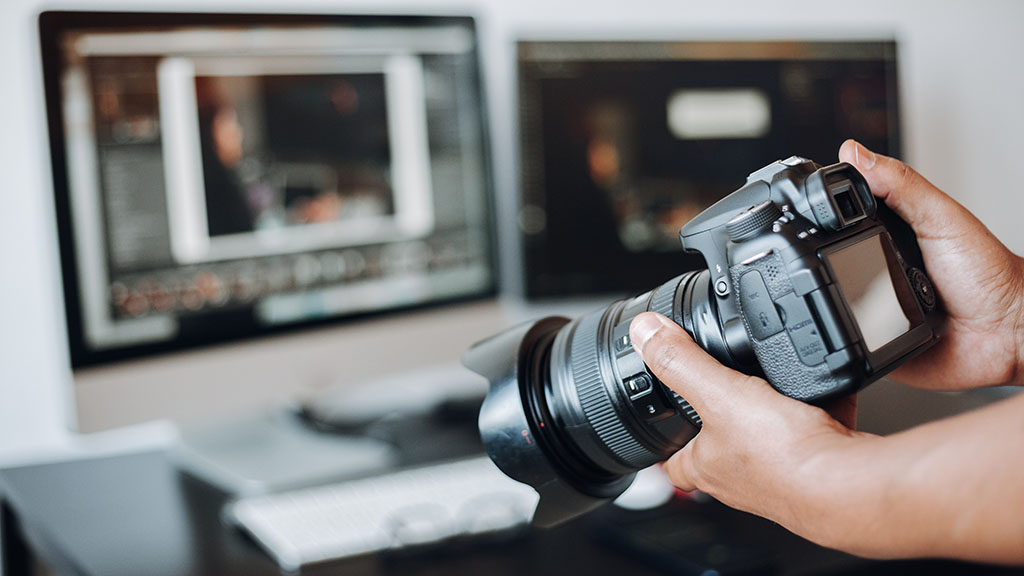
There are a lot of different numbers involved in photography; megapixels, actuations, resolution, shutter speed – but what about shutter count? You might have heard this phrase a lot, but what does it actually mean, and why does it matter?
We’re going to take a look at what it is, find out how you can check it and discover what it can tell you about your camera.
WHAT IS A SHUTTER?
To take a photo, the film, or sensor needs to be exposed to light to capture an image, but the rest of the time it needs to be covered. The shutter speed is the time that the film/sensor needs to be exposed to light long enough for an image to be captured; this can be anything from 1/8000 sec, 30 seconds or a few minutes. Most photos just need a fraction of a second.
WHAT DOES SHUTTER COUNT MEAN?
The shutter count of a camera (also known as shutter actuations) is basically how many times the button has been pressed: so how many photographs the camera has taken. Each time a photograph is taken, the shutter mechanism moves across the sensor, depending on your chosen shutter speed. This movement counts as one shutter count.

WHAT IS THE SHUTTER LIFE EXPECTANCY OF MY CAMERA?
In the same way that you’d check the mileage on a car, the shutter count on a camera can give an indication of a camera’s wear and tear and, like a car engine, mechanical shutters have different lifespans. The shutter life expectancy depends on the make and model of your camera, so it is worth checking the manufacturer’s specifications or manual for the exact shutter rating. For example, a mid-range camera might have a shutter life expectancy of around 100,000, while a more expensive camera could have around 500,000. These figures are an expected shutter rating rather than a guarantee, meaning a shutter could fail before or continue working beyond this number of actuations.
WHY IS SHUTTER COUNT VITAL FOR CAMERA BUYERS?
It’s worth knowing your shutter count, partly so you can see just how many photos you’re actually taking, but also because it can be useful if you’re thinking about selling your camera or even buying one. Of course, if you’re buying a used camera there are other ways to tell how a camera has been used; if it has lots of dents and scratches that might suggest that it hasn’t been treated very well and this should be taken into account. For example, it might have a low shutter count, but could have been treated carelessly, or it might have a high shutter count but been well-maintained and serviced regularly.
IS A HIGH SHUTTER COUNT A PROBLEM?
A high shutter count doesn’t always mean a camera is on its last legs; shutters are often designed to last longer than their rated lifespans, particularly in cameras intended for heavy, professional use. The main thing to look for is how a camera has been treated; a high shutter count doesn’t necessarily mean that the camera won’t work as well.

MECHANICAL VS ELECTRONIC SHUTTERS
A mechanical shutter, in a DSLR (Digital Single-Lens Reflex) for example, has lots of parts that work to cover the film/sensor and the more moving parts something has, the more likely they are to wear out over time. An electronic shutter, such as the ones in modern mirrorless cameras, doesn’t have moving parts so will last longer. Mirrorless cameras usually come with both so you can choose whether to just use the mechanical shutter, or the electronic one, but when you’re working out the shutter count of a mirrorless camera you only need to look at the mechanical shutter.
HOW DO YOU CHECK THE SHUTTER COUNT?
Most DSLRs and mirrorless cameras record the shutter count in their internal firmware, but it’s also on the EXIF (the Exchangeable Image File Format which stores data for any photographs you take, e.g. where you took it, which settings you used, the exposure level etc.) of every photograph, so you just need to look at the EXIF data of the last photo you took to get your camera shutter count.
Some cameras have the shutter count in their settings and you may be able to access it via the settings option, and certain brands have desktop tools that tell you the shutter count when you connect your camera to your laptop/computer.
DO ALL CAMERAS HAVE A SHUTTER COUNT?
No, action cameras, for example, use electronic capture systems to record light from the sensor, so there is no shutter count to track.

HOW DOES RECORDING VIDEO AFFECT THE SHUTTER COUNT?
It doesn’t, when videoing, the camera records a continuous stream of frames electronically, not separate shutter actuations.
Monitoring the shutter count of a camera is a good way of getting an idea of its lifespan, but it doesn’t tell the whole story. While a high shutter count doesn’t mean a camera is in bad condition and needs replacing, a low shutter count doesn’t mean the camera is in great condition; the most important thing to consider is how it’s been handled and maintained.
Whether you use your camera for holiday pics, or you’re growing your own photography business, chances are your quest for the perfect shot has resulted in a fair bit of equipment, and that doesn’t come cheap. Our personalised camera insurance lets you choose the policy type that suits you and your budget, you can then add to it from a choice of optional benefits. Take a look at our website, or give us a call for a free, no-strings quote.
All content provided on this blog is for informational purposes only. We make no representations as to the accuracy or completeness of any information on this site or found by following any link on this site. We will not be liable for any errors or omissions in this information nor for the availability of this information. We will not be liable for any loss, injury, or damage arising from the display or use of this information. This policy is subject to change at any time.
We offer a variety of cover levels, so please check the policy cover suits your needs before purchasing. For your protection, please ensure you read the Insurance Product Information Document (IPID) and policy wording, for information on policy exclusions and limitations.